MatDeck MatLab
MatDeck is a technical document that calculates. A formula, a matrix, a plot and a short explanation sit on the same page, which is how a lot of MATLAB work is already organised. Files saved from MATLAB can be opened in that document, so a .mat data set or an .m script does not have to be copied in by hand.
This group is the calculation side of the shop. Import, matrices, plots, symbolic maths, control blocks, statistics, a script bridge into Python, units, solvers, signal sheets, a report publisher and command sheets are separate products. Each one ships in 14 versions.
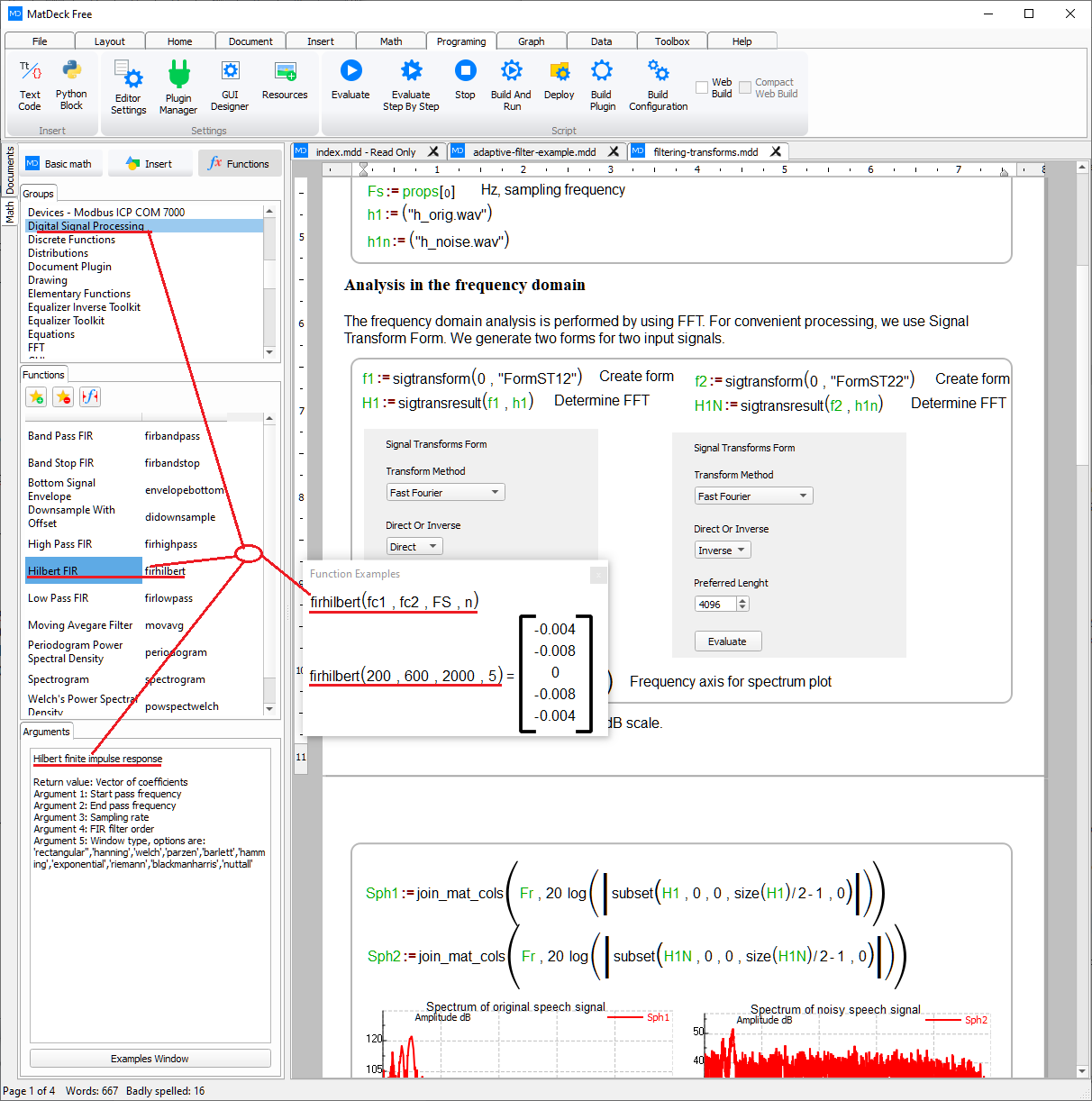
On labdeck.com, MatDeck opens MATLAB files directly. The products here are the pieces of that workflow: bring the file in, work with the arrays, plot them, and publish the page you calculated on.
Products in this group (12)
- MATLAB File Import — Read .mat data and .m scripts straight into a MatDeck document.
- Matrix Workspace — Array, matrix and linear-algebra sheets for MATLAB-style calculation.
- Plot Studio — 2D and 3D plots with line, stem and surface styles.
- Symbolic Math Sheets — Symbolic algebra and calculus kept beside the numeric result.
- Control Design Blocks — Transfer functions, step response and simple loop design.
- Statistics Tables — Descriptive stats, histograms and table-to-plot workflows.
- Script Bridge — Call MatDeck Script and Python from the same calculation sheet.
- Engineering Units Calculator — Convert and check units inside a calculation.
- Optimization Solver Pack — Constrained and unconstrained solvers for design variables.
- Signal Toolbox Sheets — Filter, FFT and waveform commands laid out as calculation sheets.
- Calculation Report Publisher — Turn a calculation sheet into a formatted report with plots and tables.
- MatDeck Command Sheets — Worked command sheets for the MatDeck functions used in a MATLAB-style document.